
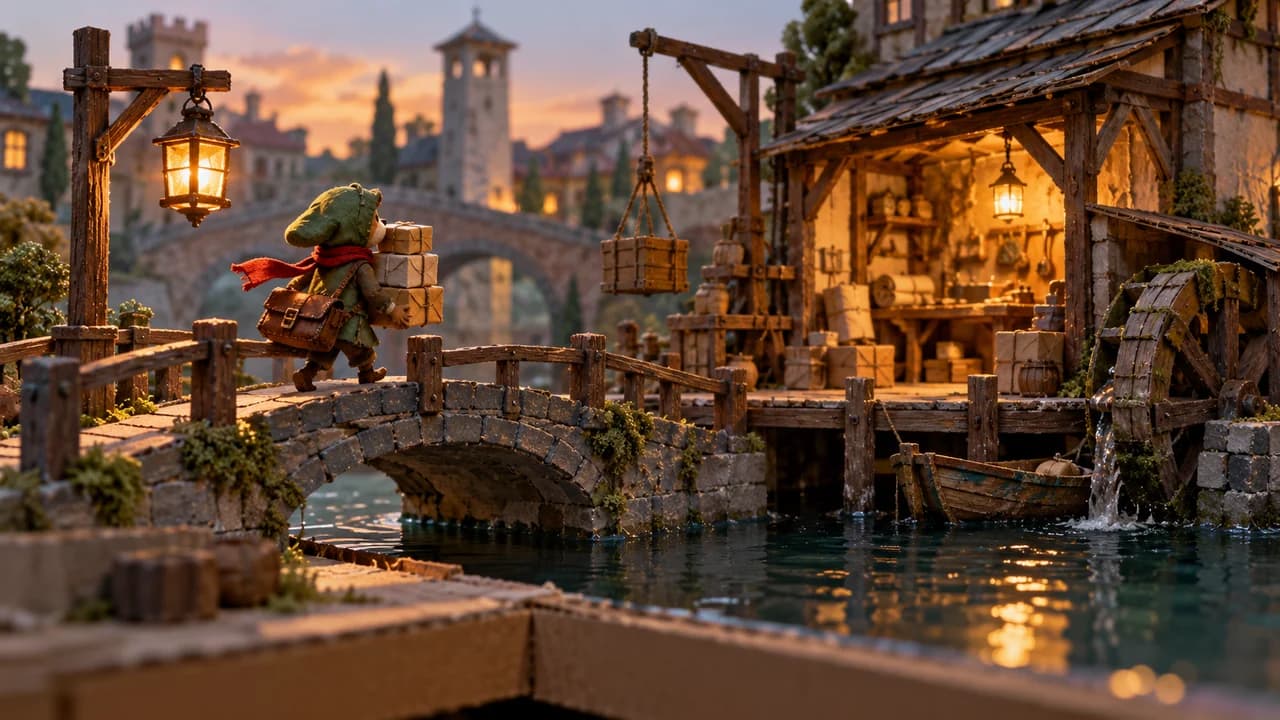
Art stylesHand-drawnHigh contrast
Physical miniature production
Physical sets or figures enter games through photography, scanning or digital integration. Unlike digital dioramas, physical fabrication is part of the workflow.
Traits
- Choose capture or scanning first
- Match physical scale and digital collision
- Unify lighting, camera and color management
Play that fits
Useful for fixed-view exploration, crafted narratives and local machinery puzzles; set changes may require recapture.
Reference games
Make a coherent game art set
Suggested asset specification
- Character: reproducibly posed or scanned model
- Scene: physical components and capture log
- UI: separate clear digital interaction layer
Motion and feedback
Keep lighting consistent across capture; interactive parts need masks, alternate states or digital models.
Main production effort
Workspace, fabrication, capture, cleanup and recapture accumulate; homemade does not mean inexpensive.
Start with this small scene
Build one tabletop workshop and bridge, photograph a fixed background and layer a courier/three parcels separately.
Simplify for a smaller budget
Use fixed photos and a few alternate states before free cameras or full stop-motion characters.
What to check
Do interaction regions match photographed edges, and do state swaps jump in light, color or position?
Take the art specification
Includes localized visual rules, asset suggestions, scope and sources. This is a specification; assets still need production for your project.
Art specification v1 · Original editorial and examples · Reference-game assets not included
Prompt examples
Physical miniature production. Choose capture or scanning first. Match physical scale and digital collision. Unify lighting, camera and color management. Build one tabletop workshop and bridge, photograph a fixed background and layer a courier/three parcels separately.
Physical miniature production. Character: reproducibly posed or scanned model|Scene: physical components and capture log|UI: separate clear digital interaction layer. Keep lighting consistent across capture; interactive parts need masks, alternate states or digital models.. Do interaction regions match photographed edges, and do state swaps jump in light, color or position?
Common pitfall
Set photographs, scanned models and stop motion are distinct routes; covers alone cannot establish a game's workflow.
Observations and sources
Cases refer to public documentation. Developers and community wikis are credited separately; document review is not a claim of hands-on testing.
- Lumino City
Official material describes a handmade world; observe physical set layers in an interactive image.
- Harold Halibut
Official material combines handmade models with digital production; do not call the 3D runtime frame-by-frame photography.
Brief for the studio
Opens the AI studio with the brief below in the input. You can edit it. Nothing starts automatically.
Make a single-screen delivery game: click destinations, deliver three parcels, then finish or restart. Use Physical miniature production. Build one tabletop workshop and bridge, photograph a fixed background and layer a courier/three parcels separately.
Related entries
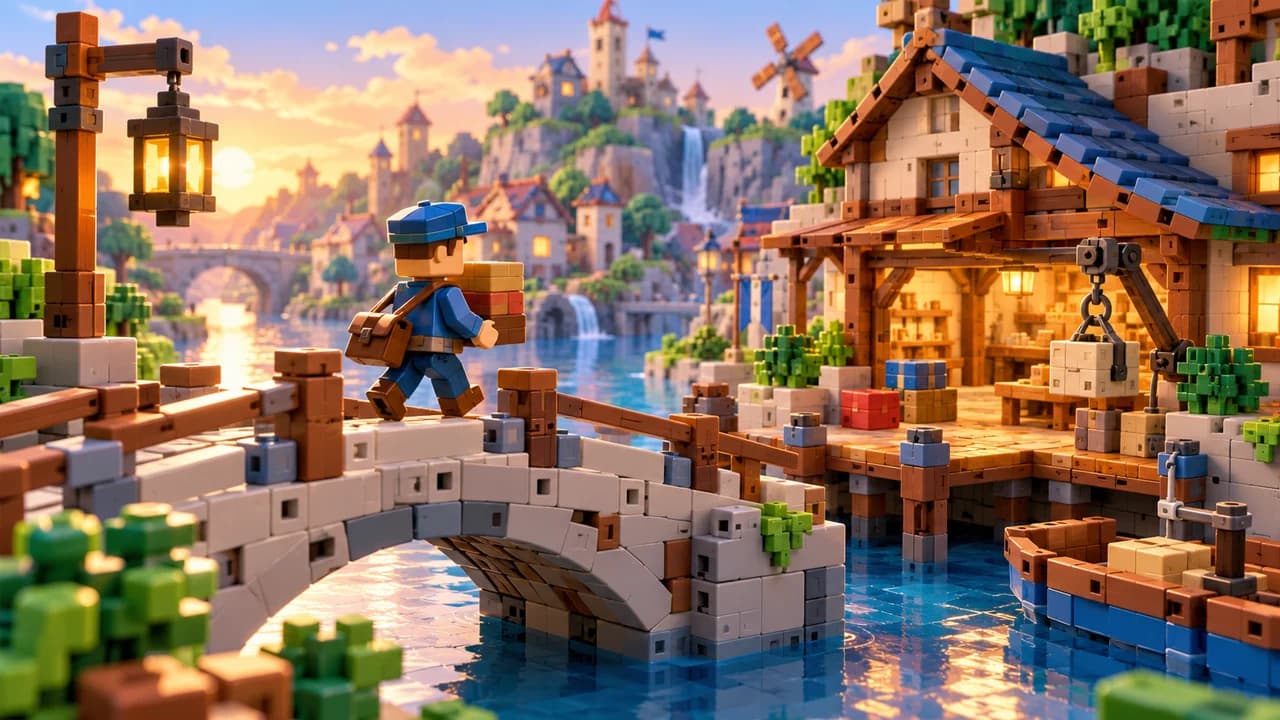
Plastic-brick construction
Discrete parts, connection rules and plastic surfaces form a construction world. An original project needs its own part and connector language.
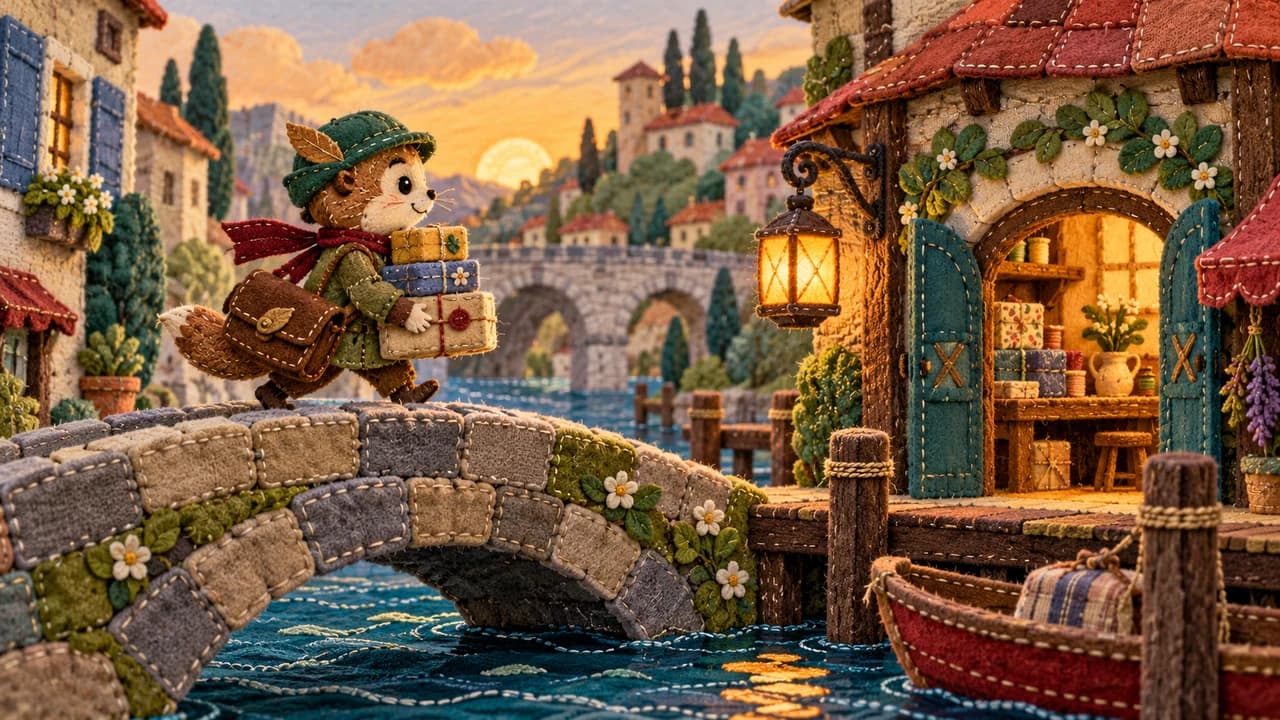
Stitched fabric and plush
Seams, stuffed volumes and stable textile surfaces create a plush appearance. The focus is fabric panels rather than exposed strands.
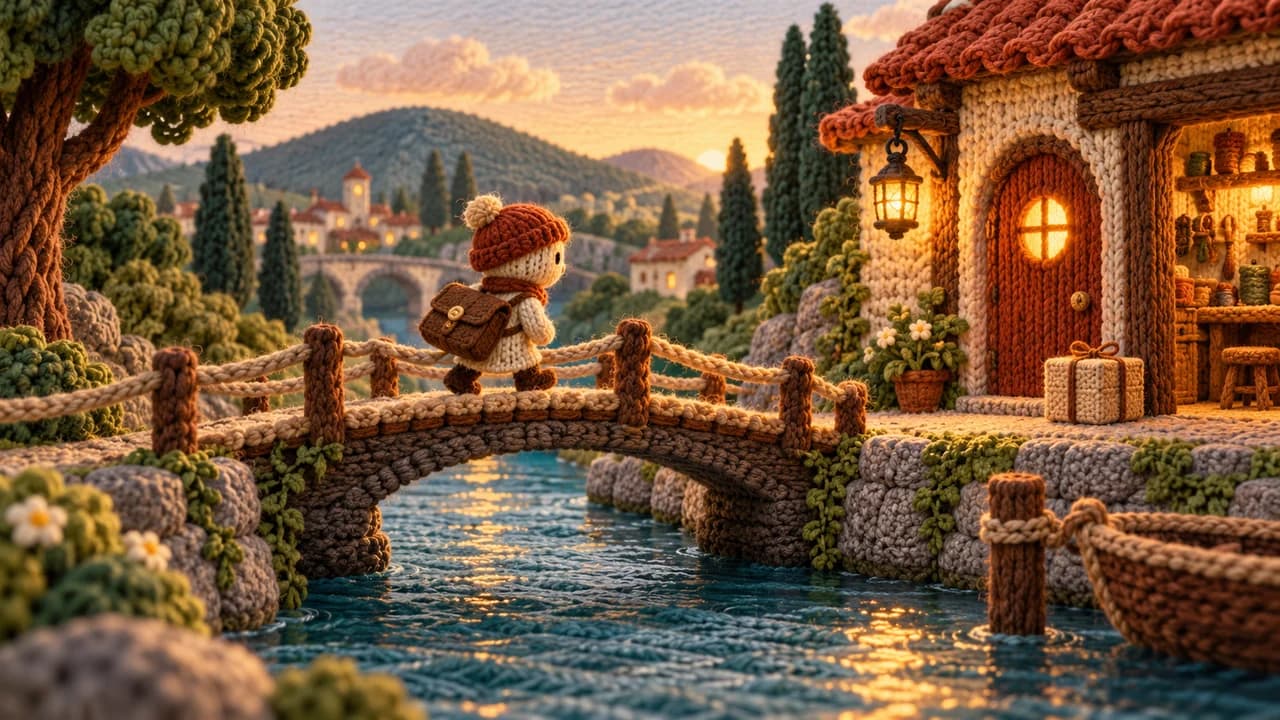
Yarn and knitting
Threads, loops and fibers keep a coherent scale across characters and props. Yarn may construct a character or an entire miniature world.
Covers are original AI-generated style illustrations. Game names reference publicly visible design choices and remain the property of their owners. This atlas does not supply screenshots or assets from those games. Prompts and combinations are original drafts for new games.